One home for AI agents. One shared project brain.
AgentDock turns a GitHub repo into reusable context for Codex, Claude, Cursor, OpenClaw, Cline, and custom agents through CLI, generated files, and MCP.

Claude
Keeps product intent, project constraints, and decisions in view.
Codex
Uses the same repo brain to edit, test, and ship changes.
OpenClaw
Reads generated files and shared context without a reset.
Context anywhere
Now your agents can use the same context, anywhere you work.
AgentDock keeps your repository setup, product decisions, skills, memories, and handoffs in one clean workspace — then turns that context into files and workflows your agents can actually read.
Import a GitHub repo and create a project brain automatically.
Save the rules, memories, skills, and decisions your agents need.
Use the same context in your terminal, generated files, and MCP-ready workflows.
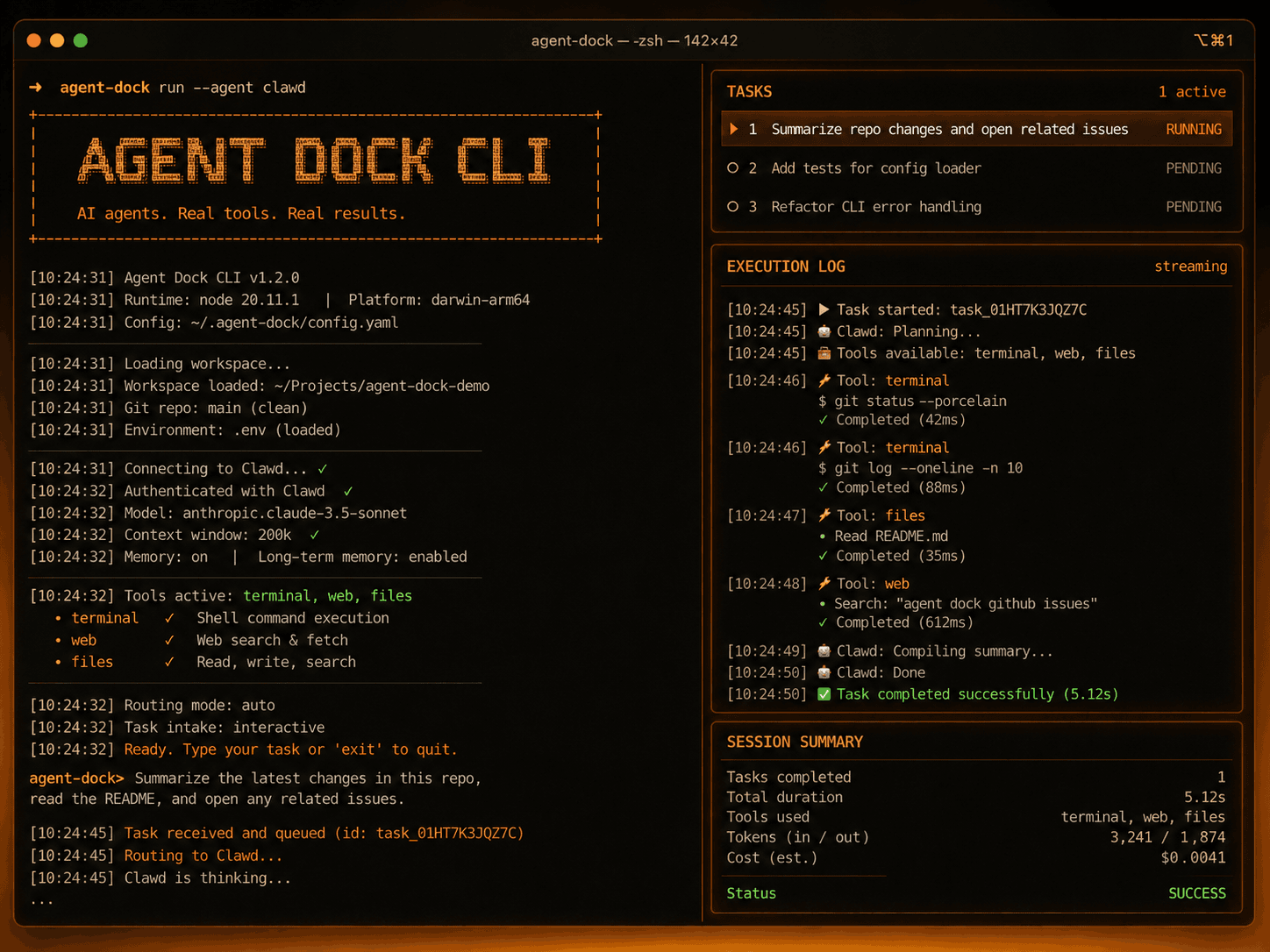
One project brain
Generated context for Claude, Codex, Cursor, Cline, OpenClaw, and MCP-ready agents.
How it works
From repo to agent-ready context in minutes.
AgentDock gives your AI agents the project context they usually miss: setup, decisions, skills, secrets, sessions, and generated files.
Create project from GitHub
Paste your repository URL. AgentDock fetches the repo name, description, tech stack, scripts, and setup details.
Store important memory
Save project rules, current bugs, product decisions, commands, and things every AI agent should remember.
Add skills for agents
Create reusable instructions like Supabase debugger, clean UI builder, security reviewer, or Codex prompt writer.
Save secret references safely
Do not expose real API keys. Store only safe references like agentdock://secrets/OPENAI_API_KEY.
Generate agent files
Create AGENTS.md, CLAUDE.md, Cursor rules, CLINE.md, OPENCLAW.md, and shared context files.
Access methods
Three clean ways to give agents the right context.
AgentDock does not force every agent into one setup. It creates the right context path for each tool — terminal, generated files, or MCP-ready workflows.
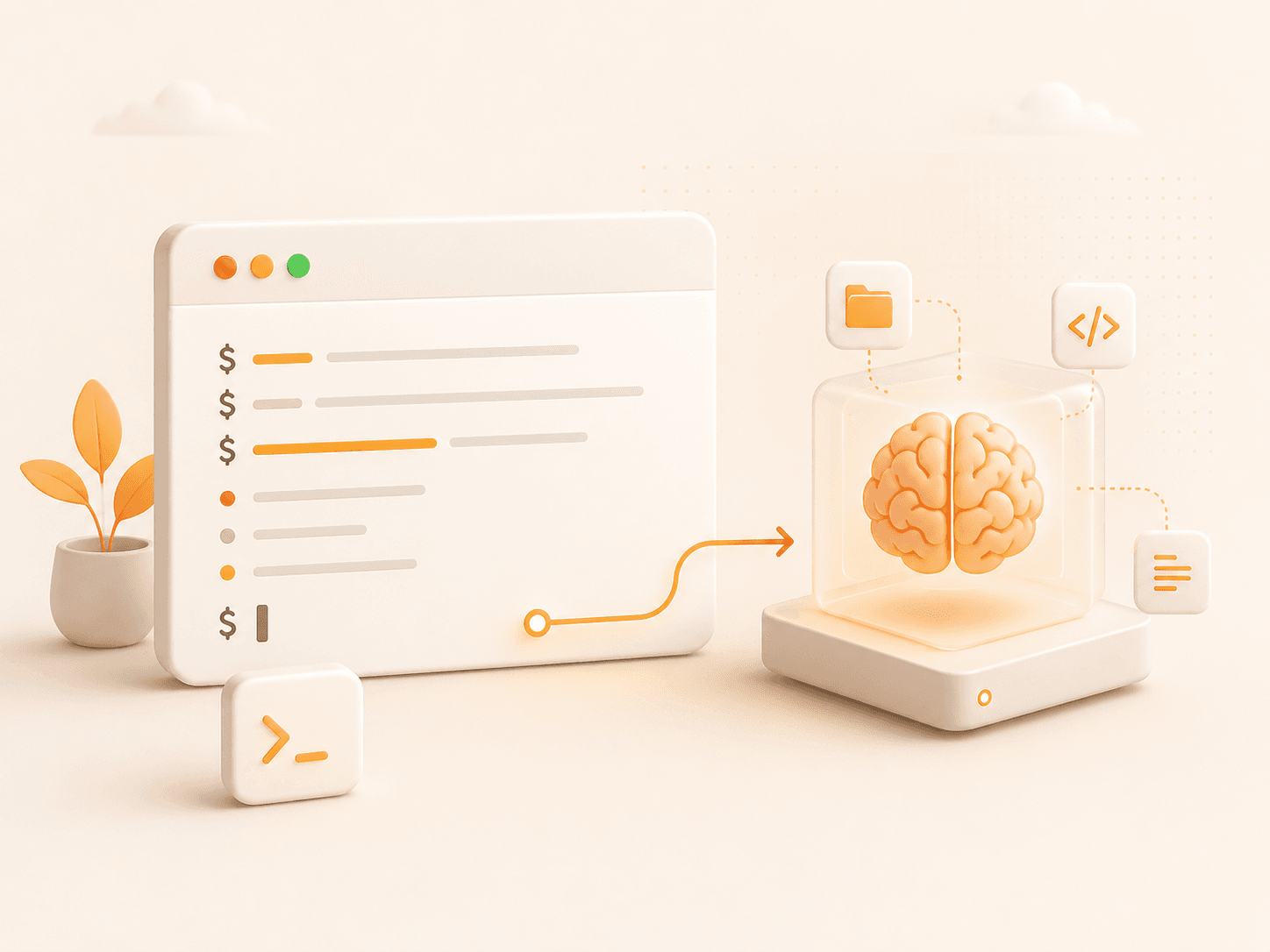
CLI Access
Use AgentDock from the terminal to link projects, sync context, search memory, and generate agent files.
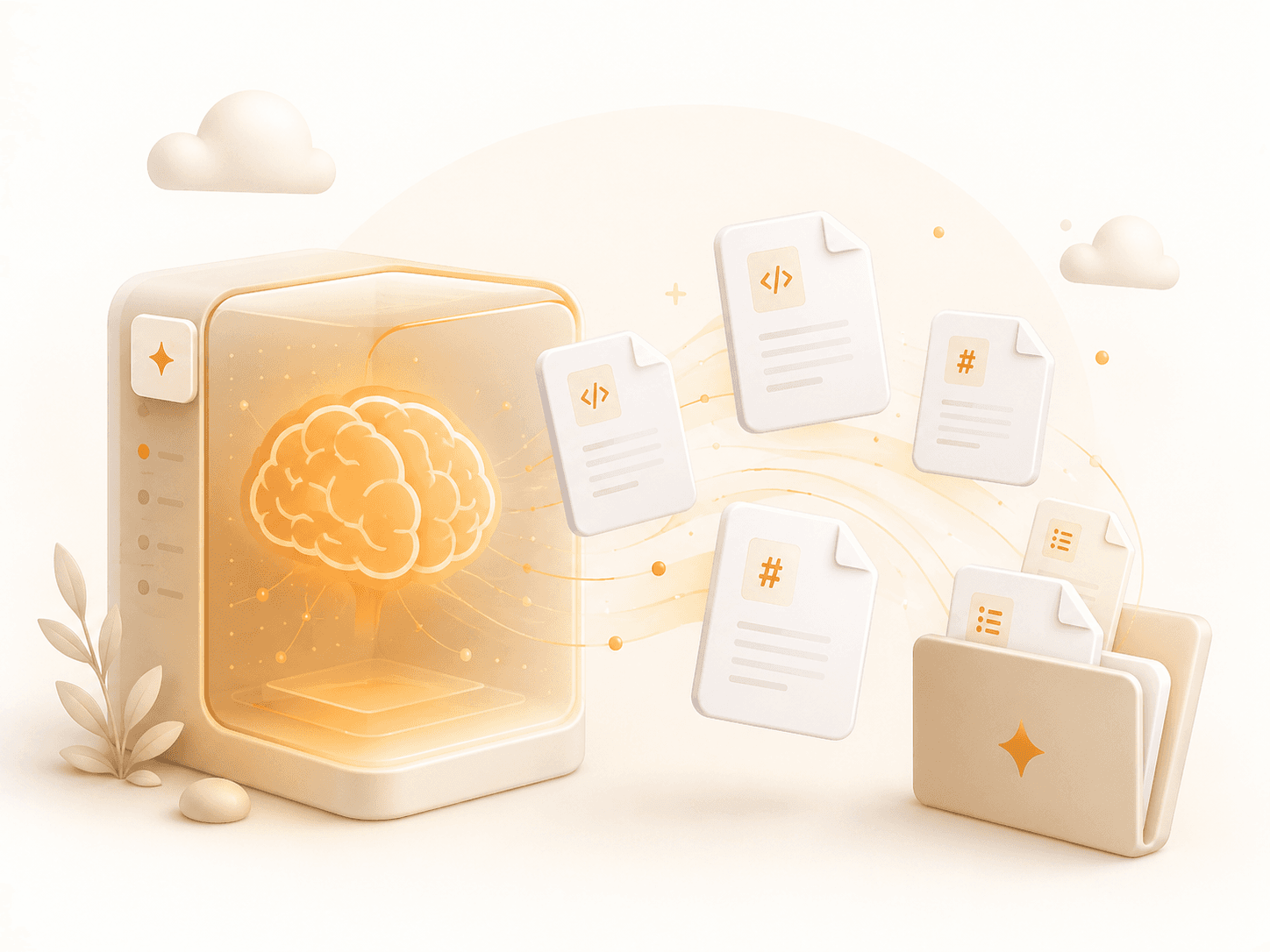
Generated File Access
Generate AGENTS.md, CLAUDE.md, Cursor rules, OPENCLAW.md, CLINE.md, and shared context files.
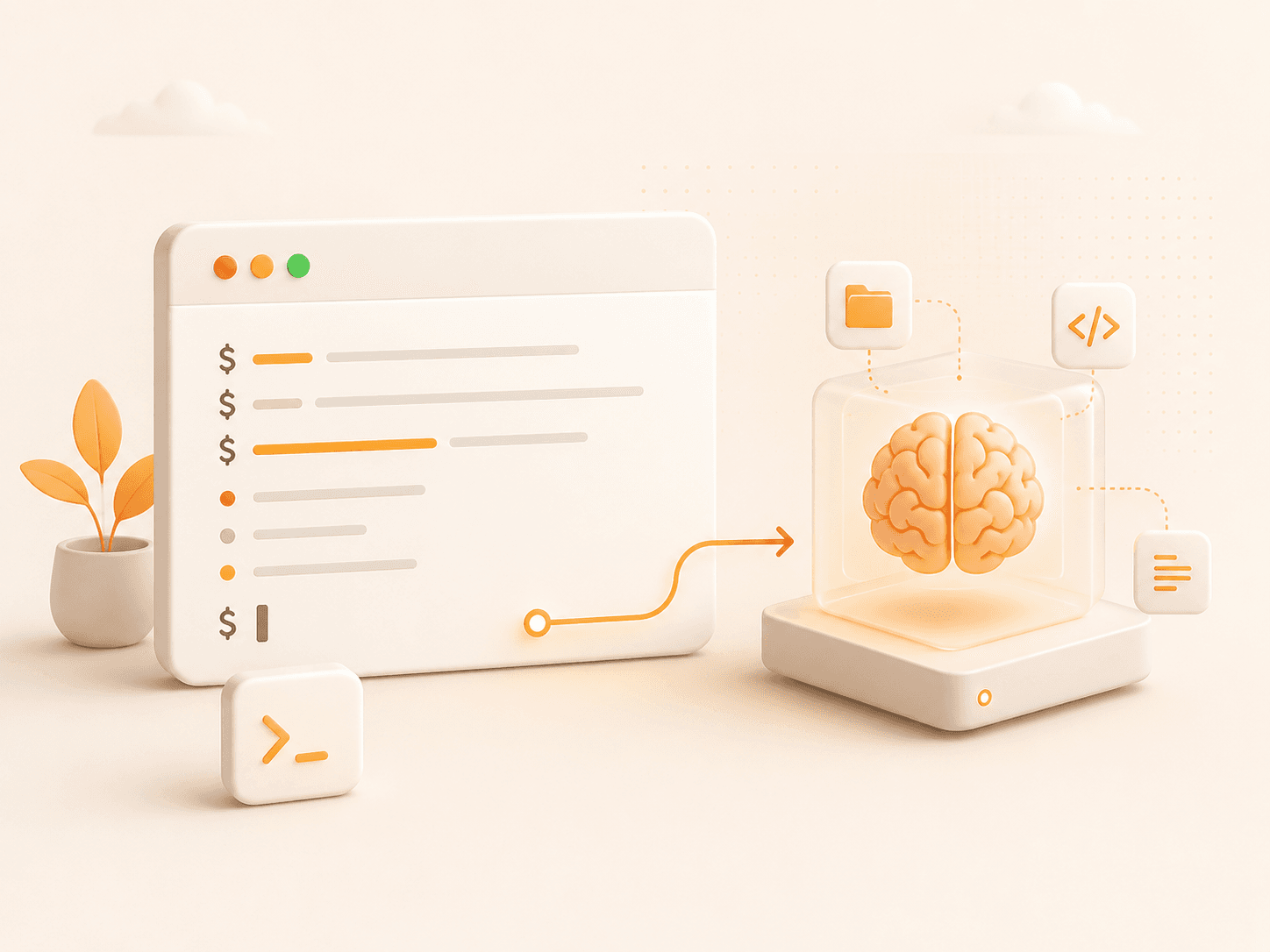
MCP Access
Let compatible agents fetch live project context, memory, skills, and secret references through MCP tools.
Supported agents
One project brain for every agent in your stack.
Keep Claude, Codex, Cursor, Cline, OpenClaw, and custom MCP agents aligned with the same project memory, skills, sessions, and generated files.
Codex
CLI + AGENTS.md + MCP
Claude
CLI + CLAUDE.md + MCP
Cursor
CLI + Cursor rules + MCP
OpenClaw
CLI + OPENCLAW.md + MCP
Cline
CLI + CLINE.md + MCP
Custom Agent
MCP
Workspace views
Three ways the project brain stays useful.
Your project context should not stay trapped in one chat. AgentDock keeps it useful across setup, handoff, and build workflows.
Project context
Keep the repository brain visible before an agent starts.
Shared workflow
Move from setup notes to generated files without scattered docs.
Agent handoff
Give Claude, Codex, OpenClaw, and other tools the same context.
Ready workspace